DigiWedge Tee Time
Welcome to DigiWedge Tee Time - a comprehensive golf course booking and management platform designed for clubs, golf courses, and their members.
Last updated: 2026-01-26 Where to find it: Portal home (/) Who can use it: Players, members, and club administrators Prerequisites: Account registration or club membership Help link: /intro
Overview
DigiWedge Tee Time enables golf clubs to manage their tee sheets and provides players with an easy way to search, book, and manage their golf rounds.
For Players
- Search & Book - Find available tee times across multiple courses
- Manage Bookings - View, modify, or cancel your reservations
- Invite Buddies - Easily invite friends to join your round
- Member Benefits - Access reciprocity discounts and member rates
- Tournament Entry - Register for club competitions and events
For Club Administrators
- Tee Sheet Management - Full control over your tee sheet
- Pricing Rules - Dynamic pricing for members, visitors, and peak times
- Player Management - Track member activity and preferences
- Tournament Management - Create and manage club competitions
- Reports & Analytics - Insights into bookings and revenue
Key Features
Multi-Course Support
Search and book across multiple courses in your network. View real-time availability with weather forecasts to help plan your round.
Smart Pricing
Dynamic pricing engine that applies:
- Member rates and classifications
- Reciprocity agreements with partner clubs
- Time-based pricing (peak/off-peak)
- Promotional discounts
Benefits & Reciprocity
Automatic benefit recognition for:
- Club memberships
- Association memberships (SAGA, GolfRSA, DotGolf)
- Partner programs (Nedbank, Discovery)
Tournaments & Competitions
Full tournament management including:
- Multiple competition formats (stroke play, stableford, matchplay)
- Handicap integration and scoring
- Automatic results calculation
- Leaderboards and exports
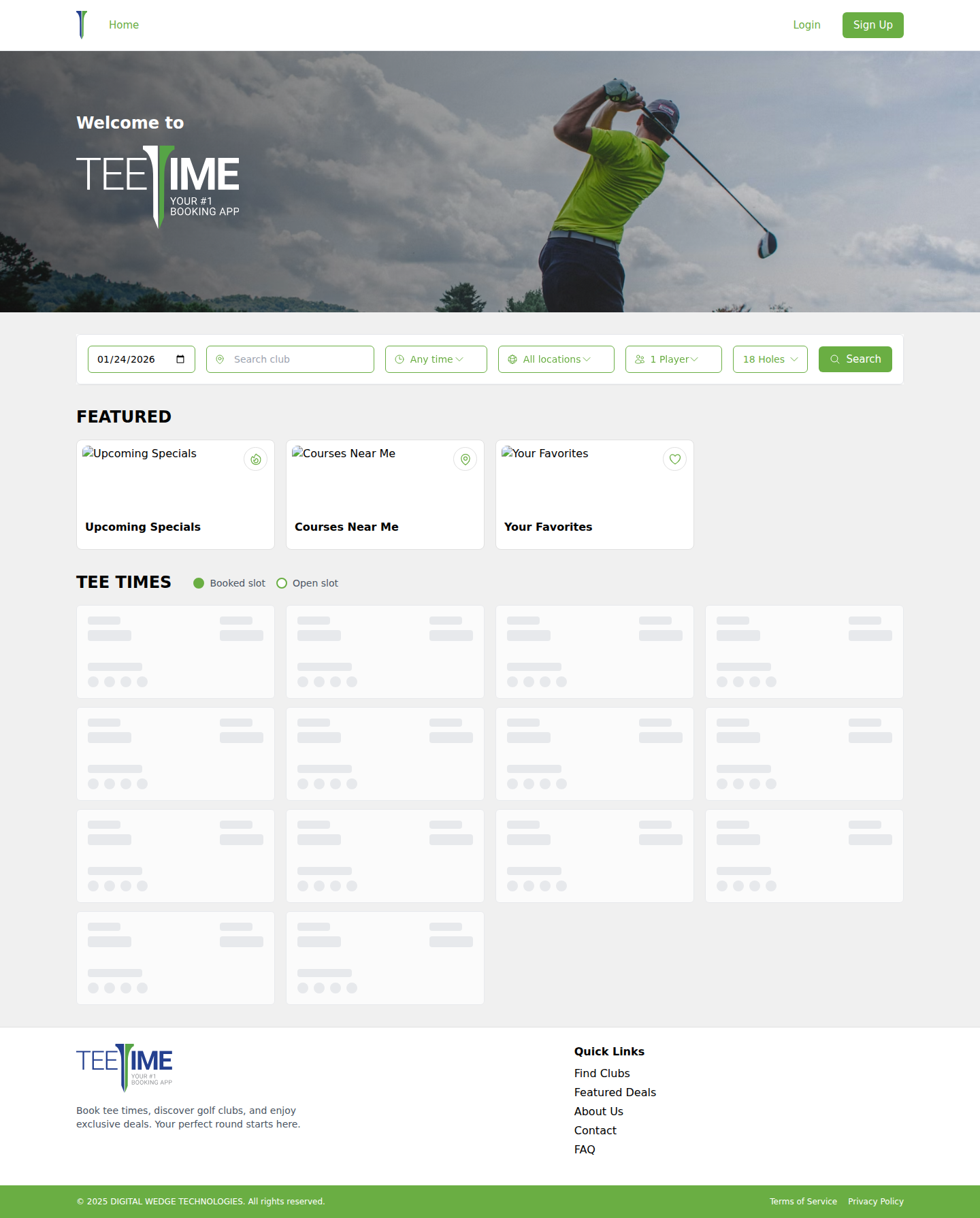
Screenshot / Callout
Troubleshooting
- Can't find a course? Check your location settings or search by course name.
- No available times? Try a different date or check the waitlist option.
- Pricing looks wrong? Ensure your membership is verified in your profile.
Related
- Quick Start Guide — Get started with your first booking
- Booking Guide — Learn how to make and manage bookings
- Admin Portal Guide — For club administrators
- API Reference — For developers