Mobile App
Access DigiWedge Tee Time on the go with our mobile app.
Last updated: 2026-01-26 Where to find it: App Store / Google Play Store Who can use it: All players with DigiWedge accounts Prerequisites: iOS or Android device, DigiWedge account Help link: /getting-started/mobile-app
Download
The DigiWedge app is available on:
- iOS - App Store
- Android - Google Play Store
Features
Quick Booking
Book tee times in just a few taps:
- Open the app
- Select your course
- Choose date and time
- Confirm booking
Push Notifications
Receive timely notifications for:
- Booking confirmations
- Upcoming round reminders (24h before)
- Waitlist updates
- Weather alerts
- Tournament announcements
My Bookings
View and manage all your bookings:
- See upcoming rounds at a glance
- Cancel or modify bookings
- Invite buddies to your round
- View booking history
Buddies
Manage your golf buddies:
- Add buddies by email or phone
- Quick-invite to rounds
- View buddy availability
- Create regular foursome groups
Club Discovery
Find and favorite courses:
- Search nearby courses
- View course details and photos
- Check real-time availability
- Save favorite courses
Setup
First Launch
- Download and open the app
- Sign in or create an account
- Enable push notifications when prompted
- Link your club membership (if applicable)
Notification Preferences
Customize what notifications you receive:
Settings > Notifications
├── Booking Confirmations ✓
├── Booking Reminders ✓
├── Waitlist Updates ✓
├── Weather Alerts ✓
├── Tournament Updates ✓
└── Marketing Messages (optional)
Location Services
Enable location for:
- Nearby course discovery
- Weather forecasts for your area
- Distance to courses
Troubleshooting
Notifications Not Working
- Check app notification permissions in device settings
- Ensure notifications are enabled in app settings
- Check your internet connection
- Try signing out and back in
App Not Loading
- Check your internet connection
- Force close and reopen the app
- Update to the latest version
- Clear app cache (Android)
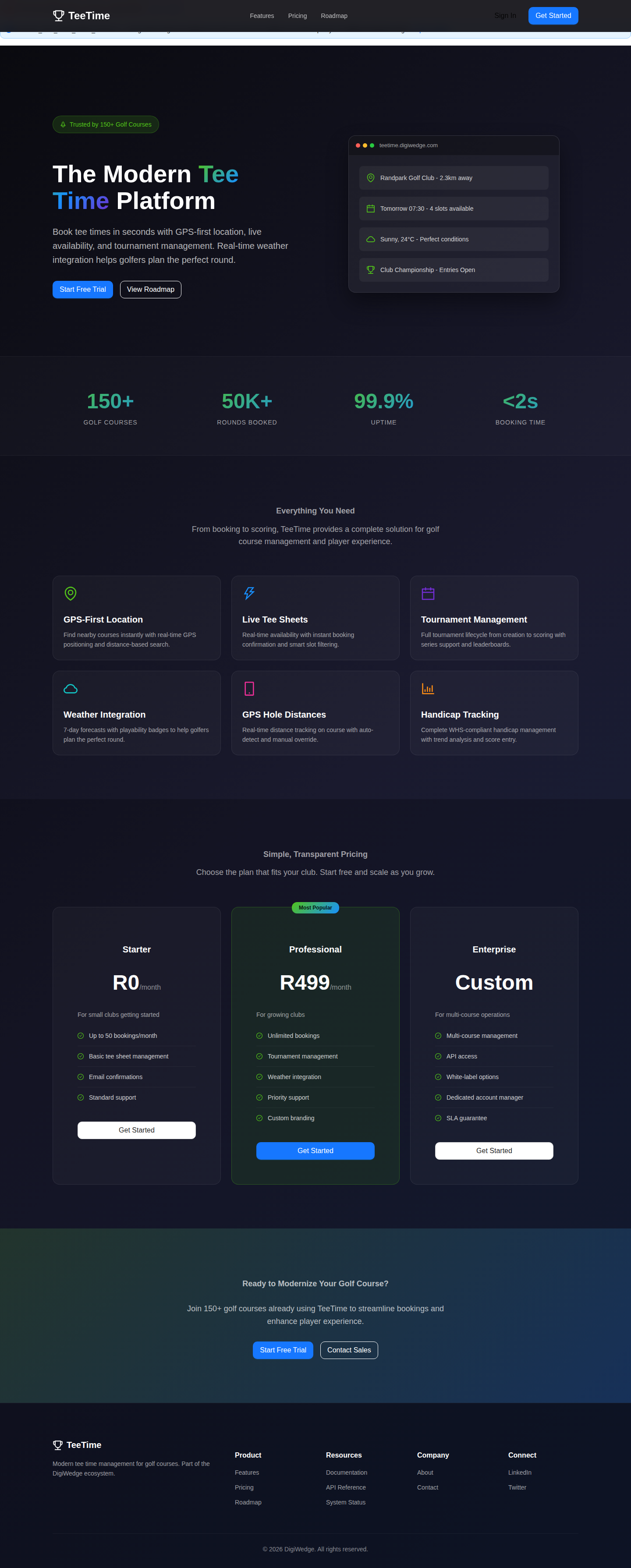
Screenshot / Callout
Expected outcome
- App is installed and configured on your device.
- Push notifications are enabled for booking updates.
- You can book tee times and manage buddies from your phone.
Troubleshooting
- Notifications not working? Check app notification permissions in device settings.
- App not loading? Check your internet connection and update to the latest version.
- Can't sign in? Reset your password or contact support.
- Location not working? Enable location services for the app in device settings.
Feedback
We're always improving the app. Share your feedback:
- In-app: Settings > Send Feedback
- Email: mobile@digiwedge.com
Related
- Quick Start — Get started with DigiWedge Tee Time
- Booking Overview — How to make bookings
- Introduction — Platform overview