Tournaments
Manage tournament schedules, entries, and scoring operations.
Last updated: 2026-01-26 Where to find it: Admin > Tournaments Who can use it: Admin, Pro Shop roles Prerequisites: Admin access Help link: /admin/tournaments
How to do it
Create a Tournament
- Go to Tournaments in the admin portal.
- Click Create Tournament.
- Enter tournament details (name, date, format).
- Configure entry requirements and fees.
- Set up scoring format (stroke play, stableford, etc.).
- Publish the tournament.
Manage Entries
- Select the tournament.
- Go to Entries tab.
- View, approve, or reject entries.
- Create draws and groups.
Process Scoring
- Go to Scoring tab during tournament.
- Enter scores by hole or by round.
- Review leaderboard automatically updates.
- Finalize and publish results.
What you'll see (fields/columns)
Tournament List
| Column | Type | Description |
|---|---|---|
| Name | Text | Tournament name |
| Date | Date | Tournament date |
| Format | Badge | Stroke Play, Stableford, Matchplay |
| Entries | Numeric | Number of entries |
| Status | Badge | Draft, Open, In Progress, Completed |
Leaderboard
| Column | Type | Description |
|---|---|---|
| Position | Numeric | Current standing |
| Player | Text | Player name |
| Score | Numeric | Total score or points |
| Thru | Numeric | Holes completed |
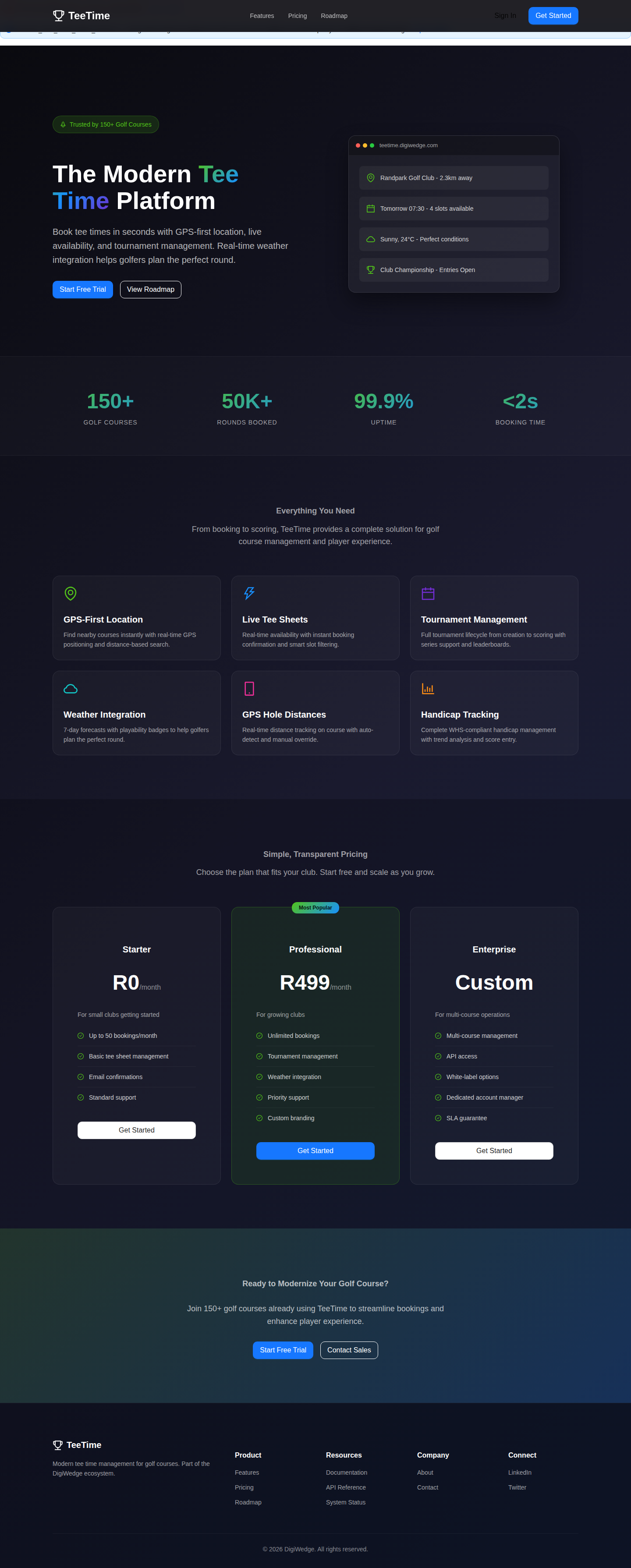
Screenshot / Callout
Expected outcome
- Tournaments are created and published.
- Entries are managed and draws are created.
- Scoring is processed and leaderboards are live.
Troubleshooting
- Entry missing? Verify eligibility and registration status.
- Scores not saving? Check internet connection and refresh.
- Leaderboard wrong? Verify scoring format and handicaps.
Related
- Tee Sheet Management — Block times for tournaments
- Reports — Tournament reports
- Player Management — Player handicaps